PetSafe
About
At PetSafe I had the opportunity to work on end-to-end experiences for multiple IoT connected pet products, including dog and cat trackers. I led key feature and app experience design, advanced the design system, created product illustrations, and built prototypes to support UX research.
Role
UX/UI, Illustration, Prototyping
Time
2024 - 2026
Designing the end-to-end experience for a new GPS pet tracker
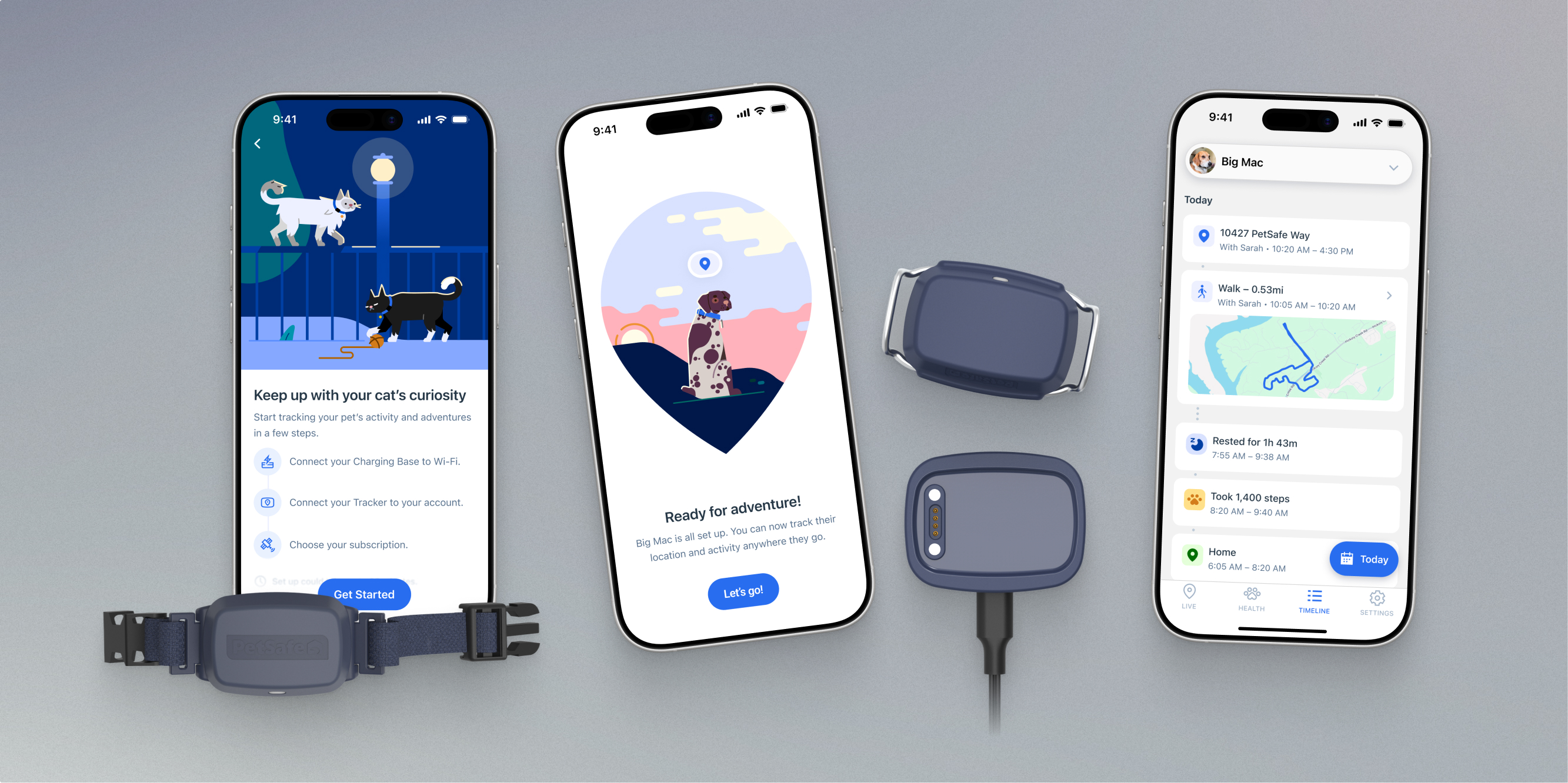
PetSafe was expanding into GPS tracking with new dog and cat trackers. Our team touched every part of the experience, from onboarding and subscription to live tracking, safe zone creation, and health tracking. I collaborated closely with product and engineering from early concept exploration to detailed UI specs and implementation.
Live Tracking & Making Invisible Tech User-Friendly
Because the tracker relies on multiple technologies like GPS, LTE, and firmware that can fail or behave unpredictably, the biggest design challenge was how to help users understand what the tracker was doing and how much they could trust the information they were seeing.
Rather than hiding those limitations, the app needed to communicate confidence, uncertainty, and reassure the user of what to expect.
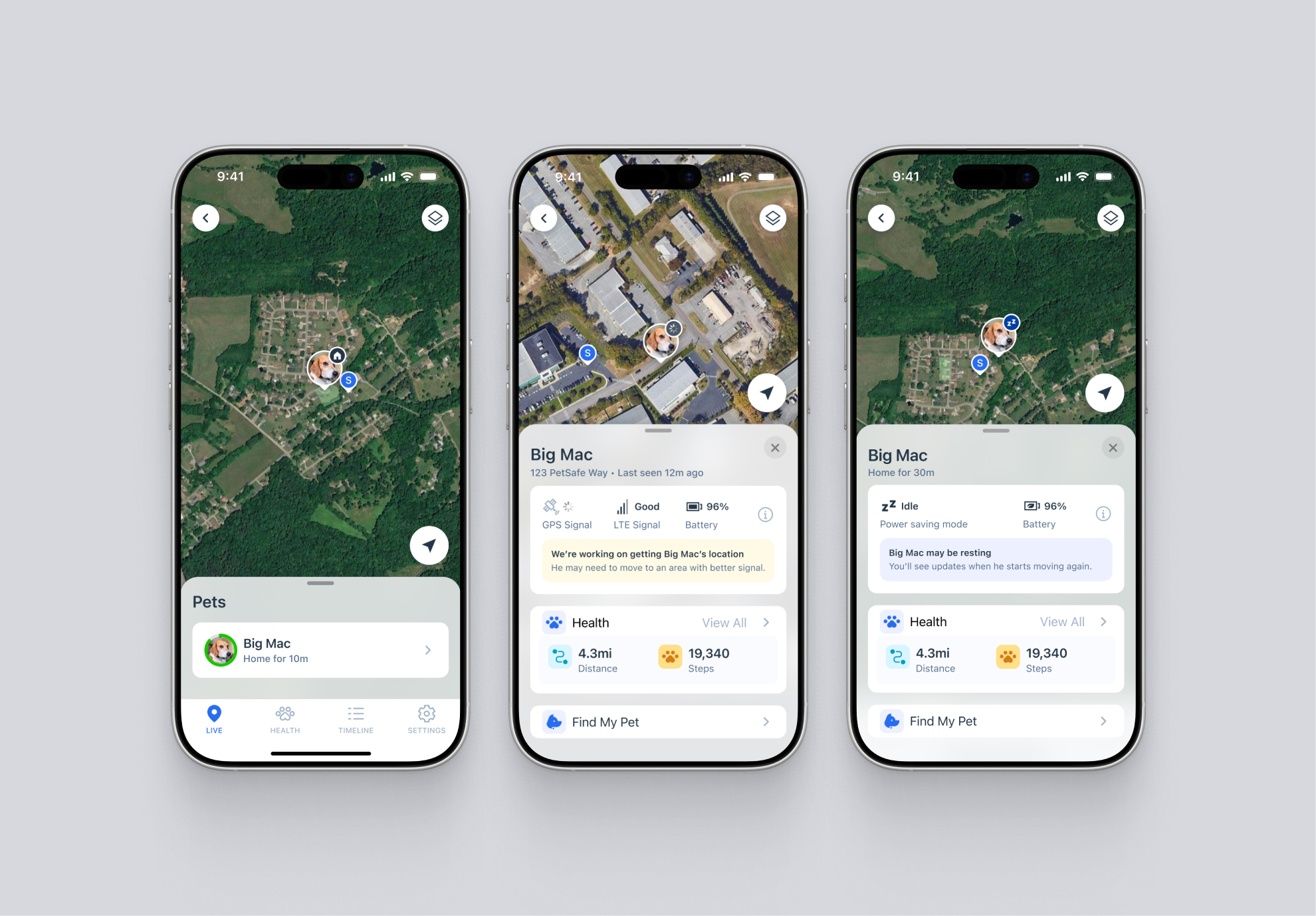
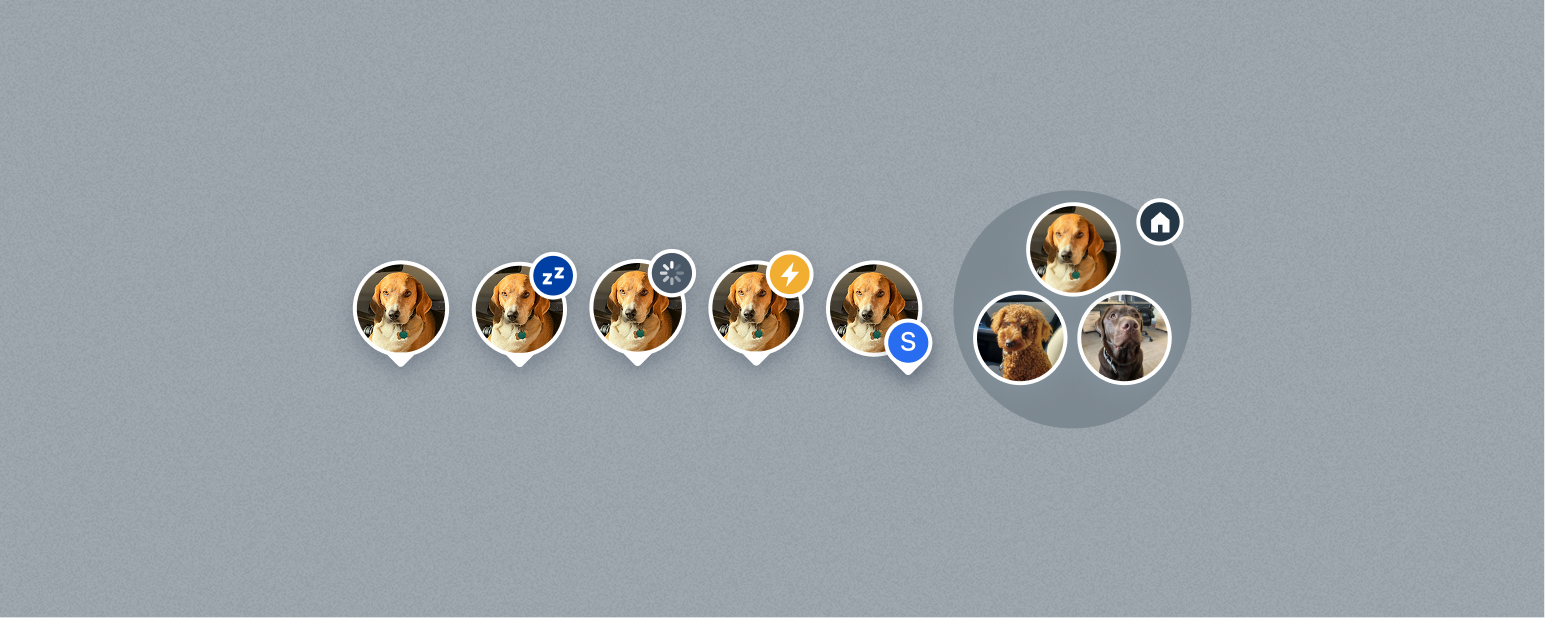
We accounted for many tracking scenarios outside of live tracking, including GPS and network delays, syncing to the charging base and phone, charging, offline, deep sleep, and walking states. When users come to the app to see where their pet is, we want to ensure they feel confident or reassured- so it was important to map complex technical states to user friendly language.
Users also receive notifications when their pet leaves a safe zone they’ve created, as well as battery status updates.
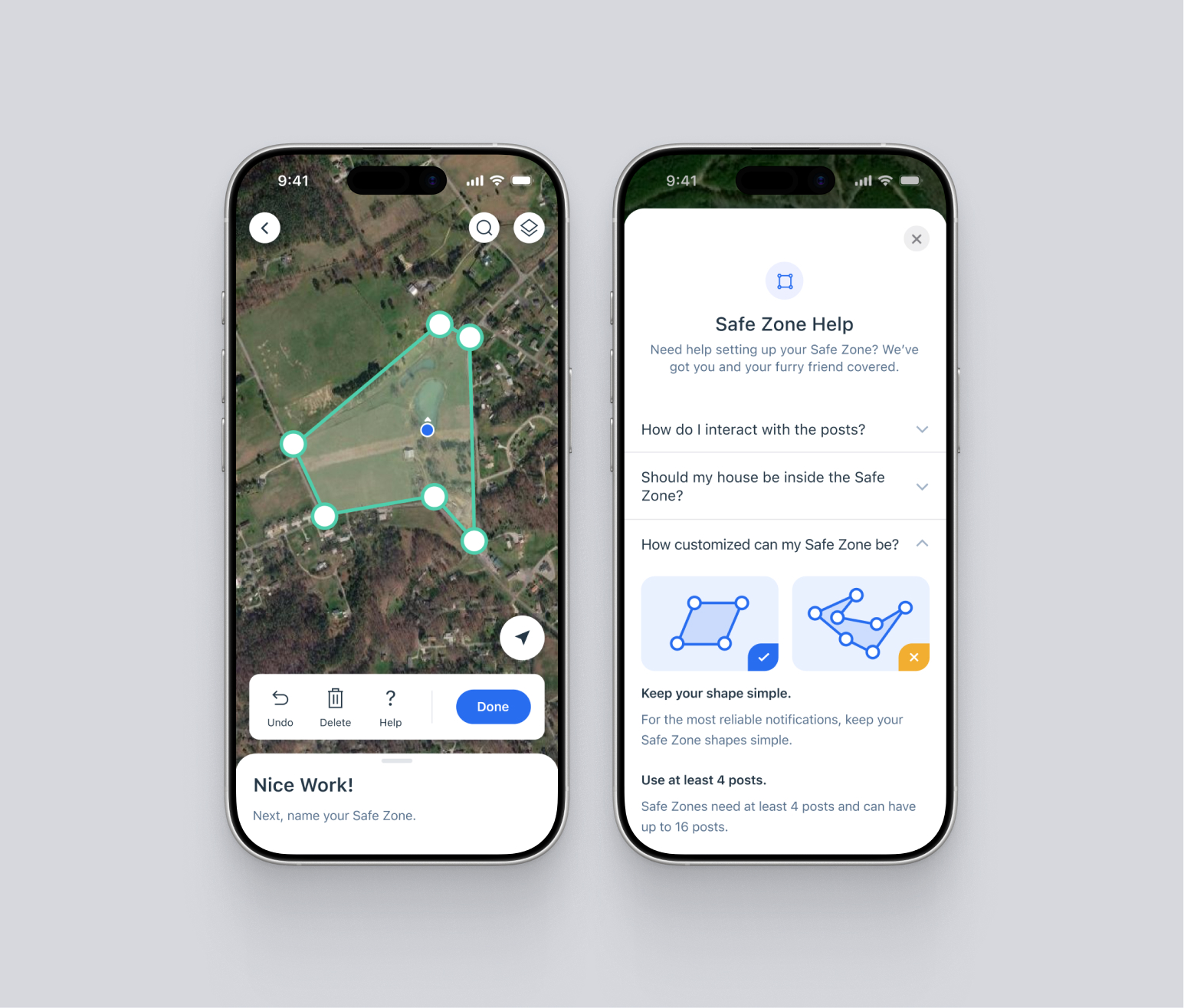
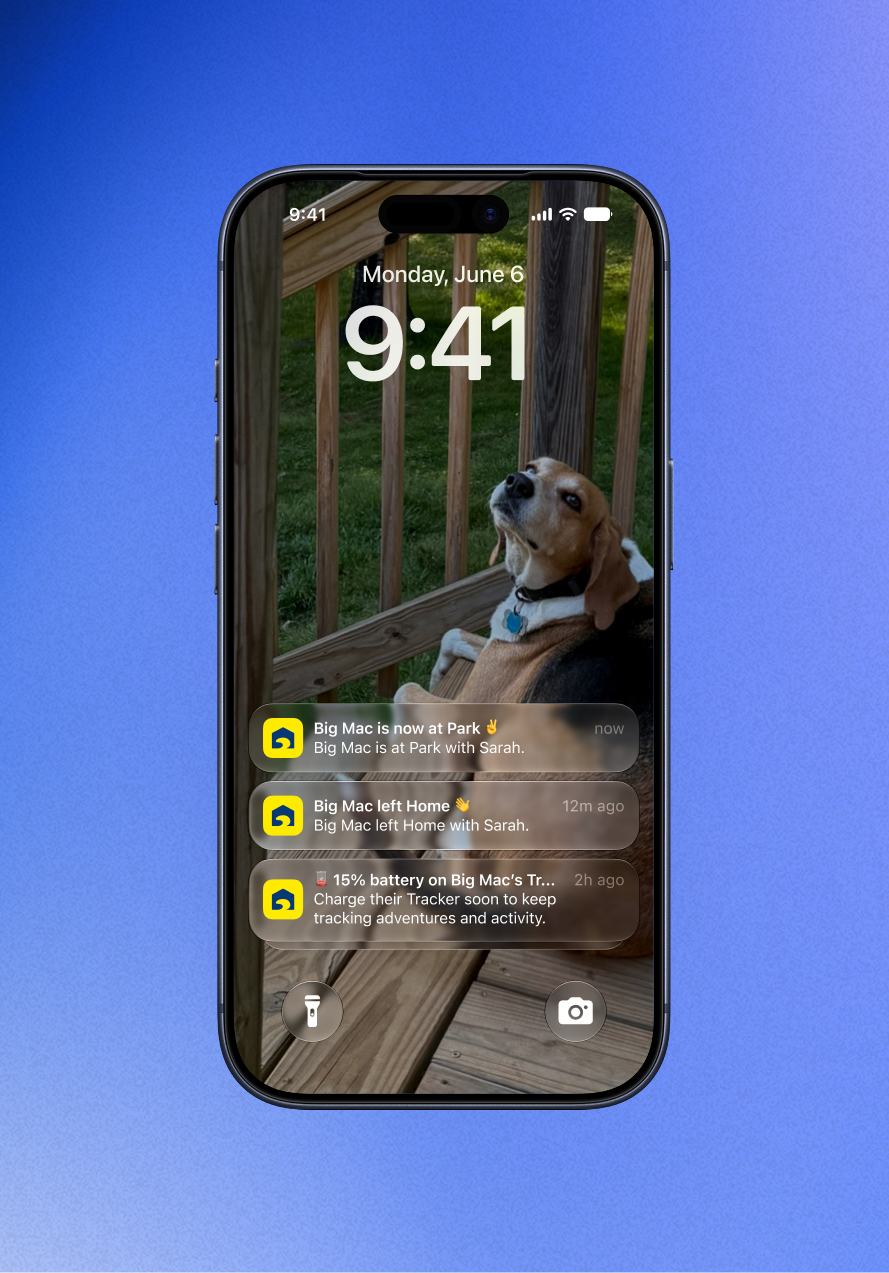
Setting up a safe zone, Safe zone notifications
In addition to location tracking, the app tracks health stats and trends related to walks, steps, rest, barking, and more, giving users insight into changes in their pet’s behavior and activity.
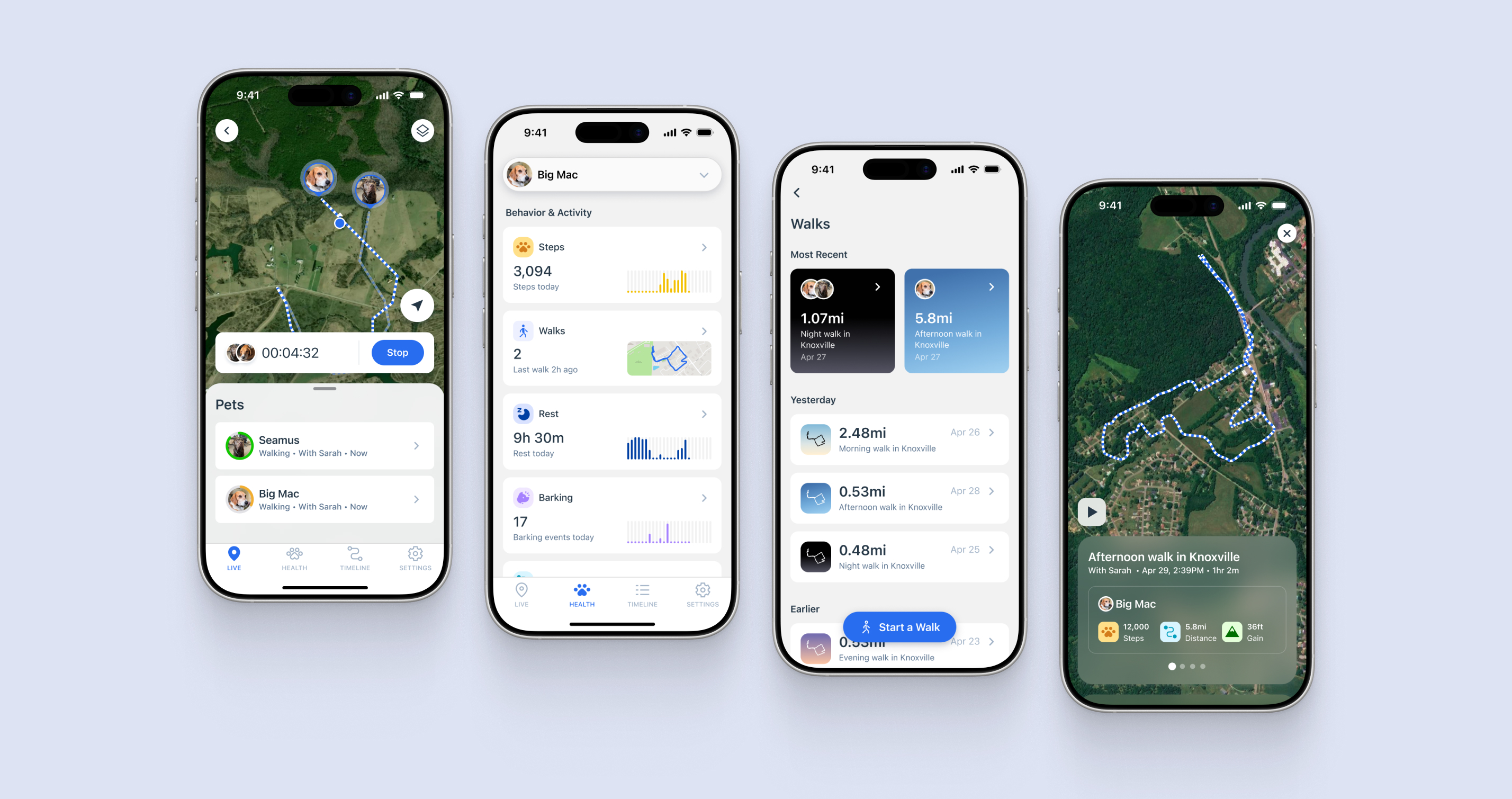
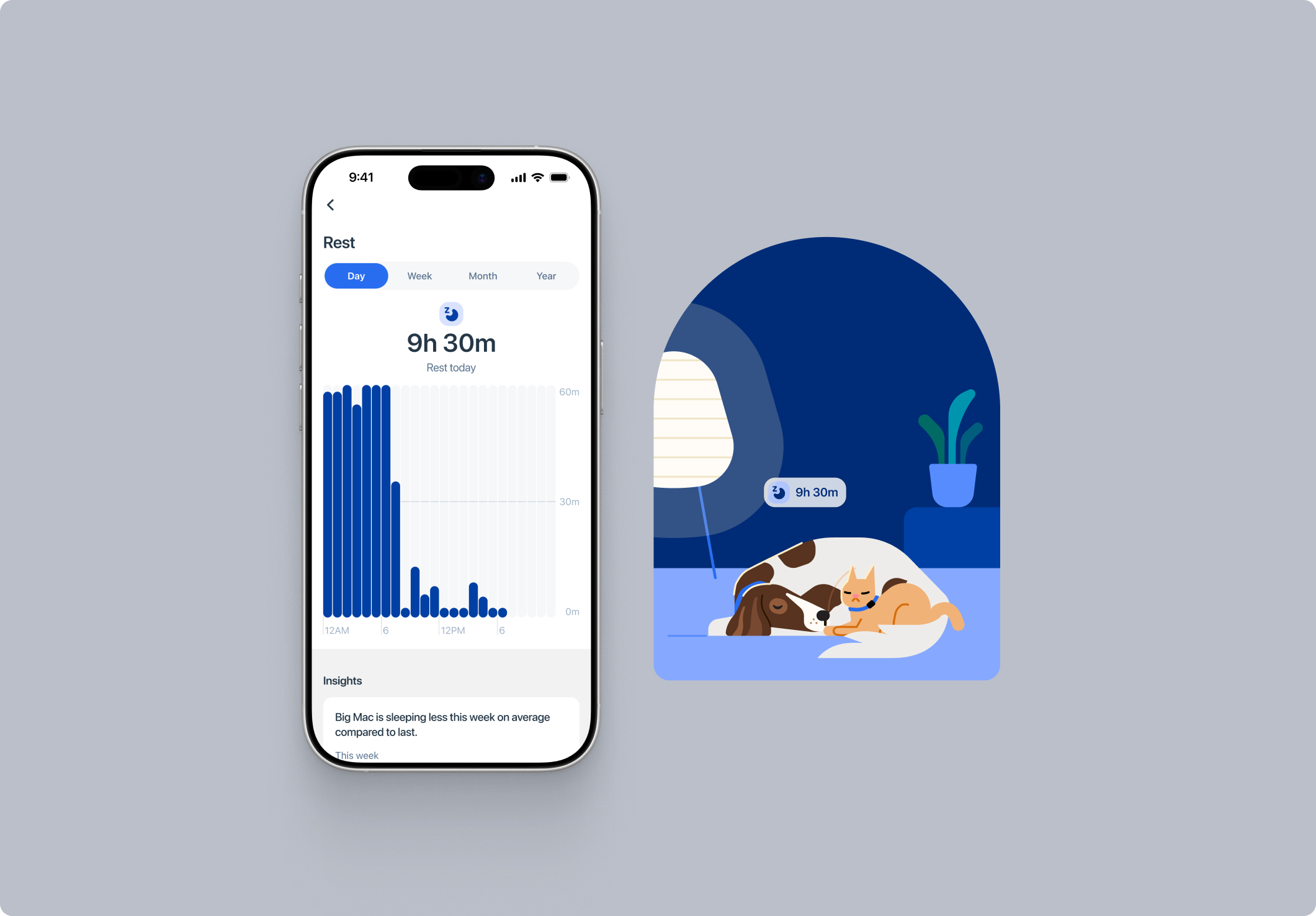
Guided Onboarding & Error Recovery
Setting up the product for the first time requires users to go through a lengthy flow with product and wi-fi connection, OTA updates, and subscription setup. It’s vital that this experience is smooth and accommodating, so we ensured instructions were clear and succinct, troubleshooting was accessible, and re-entry at every major step was possible.
Testing and feedback from previous products showed that users struggled with error recovery, often resorting to customer care for assistance. In most cases, a factory reset would solve any issues, so we prioritized an in-app guided reset that would be accessible from troubleshooting throughout the onboarding flow.
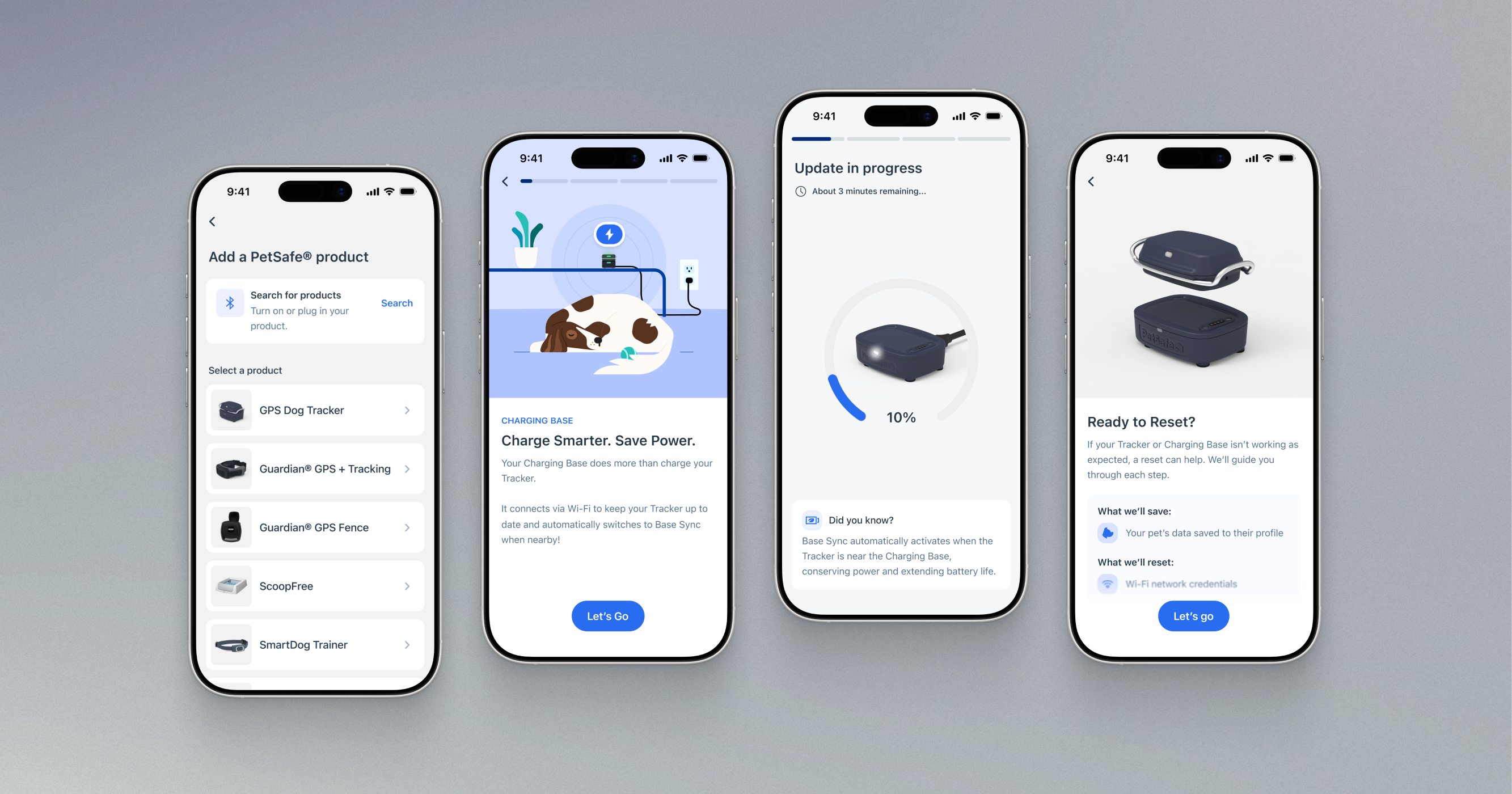
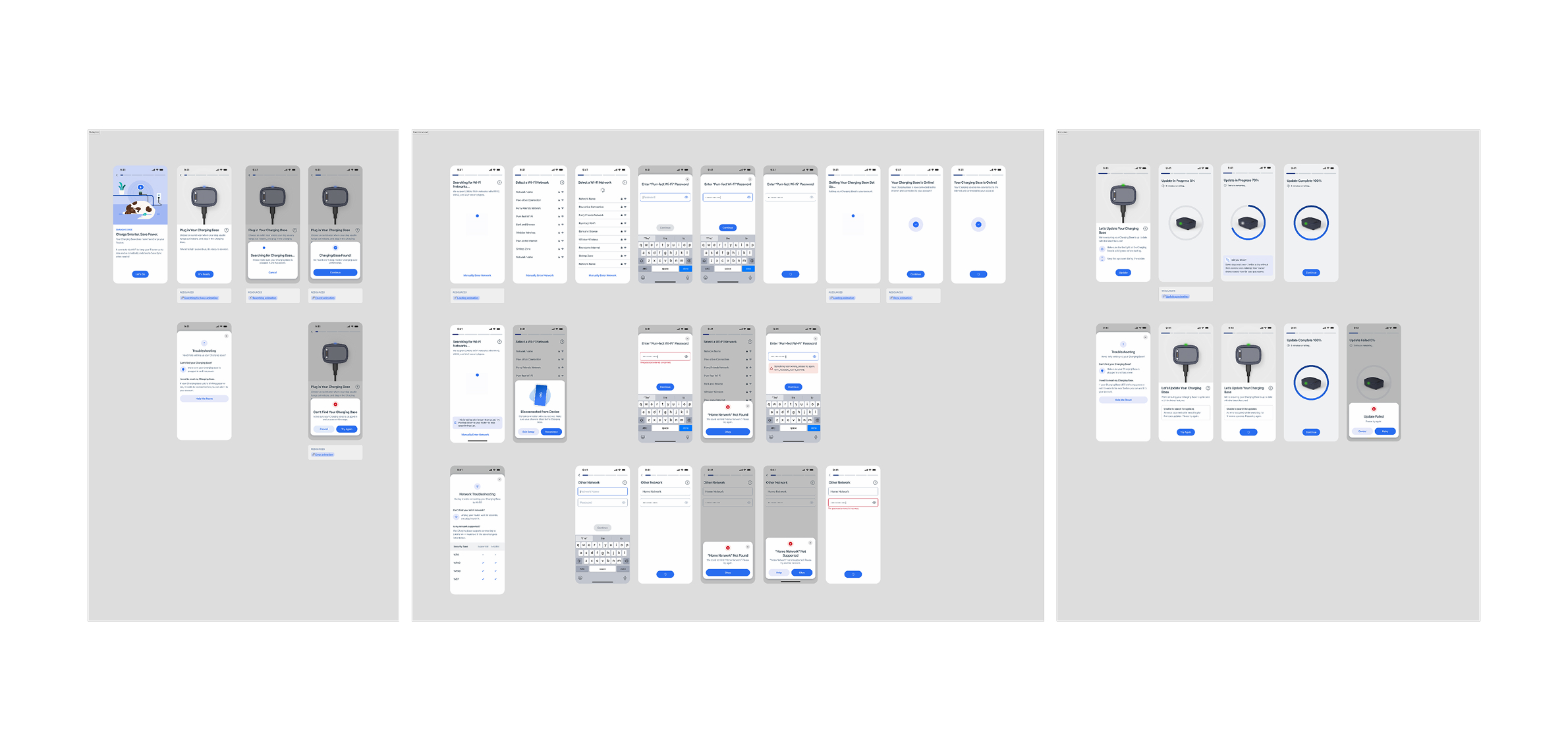
Onboarding flow section — Charging Base setup (Bluetooth connection, Wi-Fi connection, OTA update)
Subscription feature carousel
Design System Upgrades
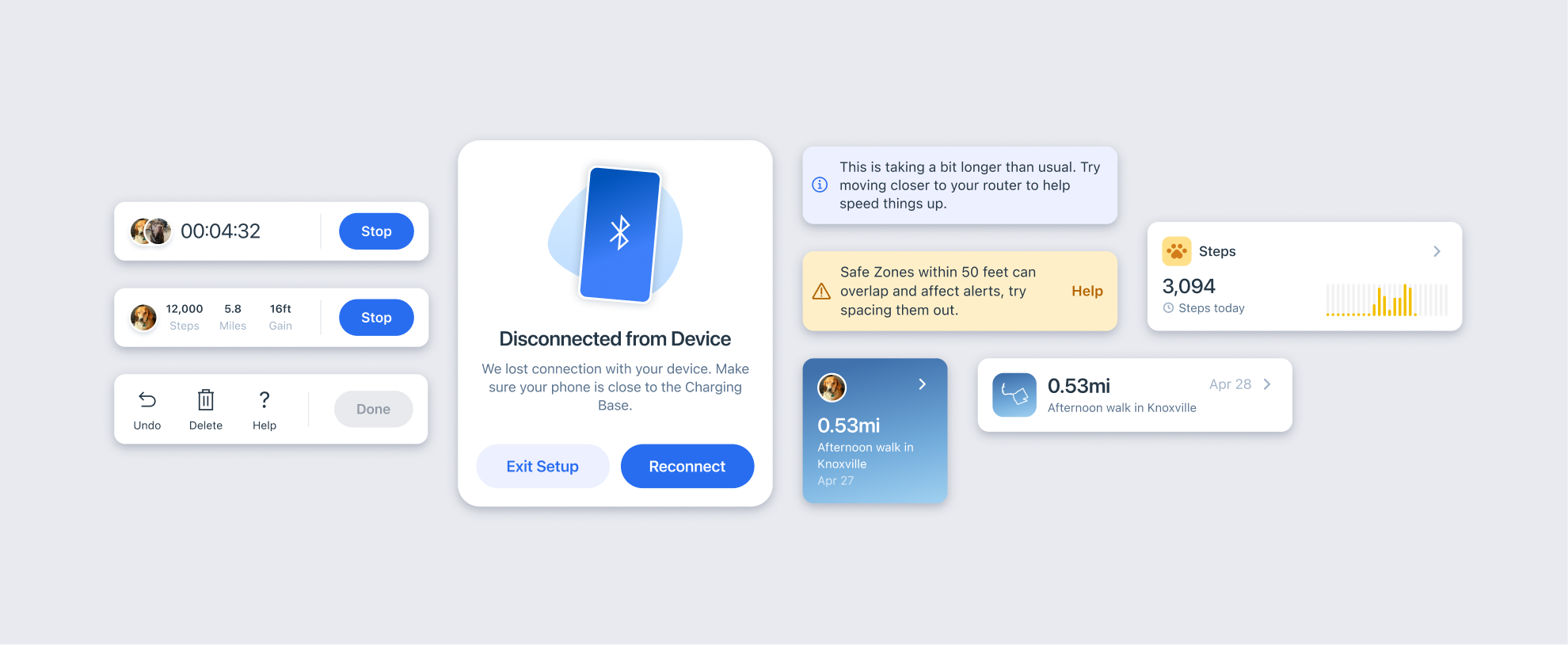
To make the new tracker app experience more cohesive, we focused on restructuring and expanding the design system to accommodate. I created a consistent icon set, illustrations, redesigned and restructured components, and created documentation.